A quiet stay in Iceland
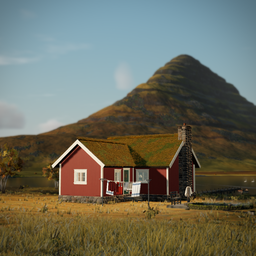
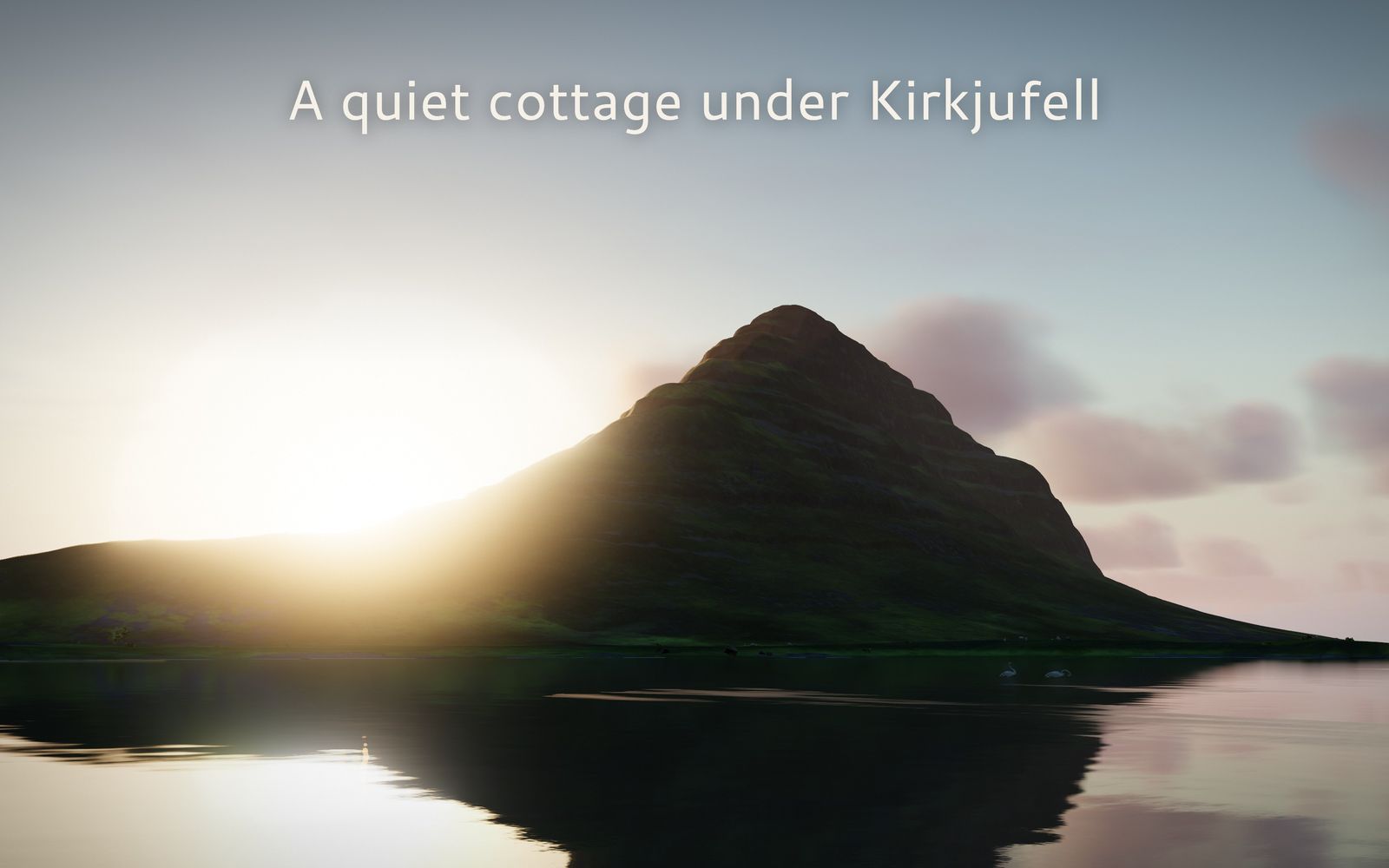
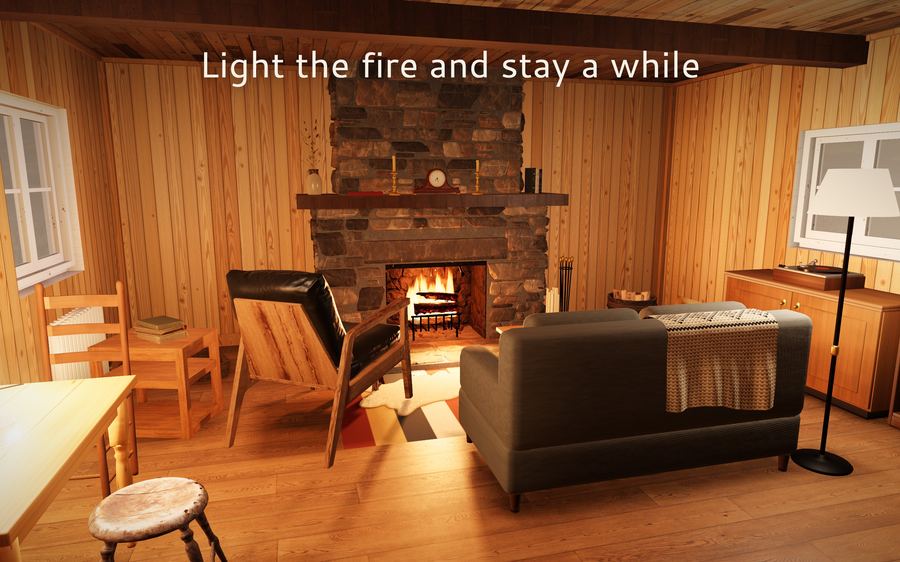
A red turf-roofed cottage by a lake under Kirkjufell, on Snæfellsnes. Walk the shore, row the boat, light the fire, and watch the light change through the day, the seasons and the weather. There is nothing you have to do.
Need help? Write to anguszyu@gmail.com.
Say which device you play on (iPhone, iPad or Mac) and what happened. We read every message.
Questions
How do I move and look around?
On iPhone and iPad, drag to look and tap the hint on an object to use it. Turn on the joystick in Settings > Controls to walk with a stick. On a Mac, W A S D walks, the mouse looks, and E or F uses things. A game controller works on every device: the left stick walks, the right stick looks.
Why are some seasons, weathers and the northern lights locked in Settings?
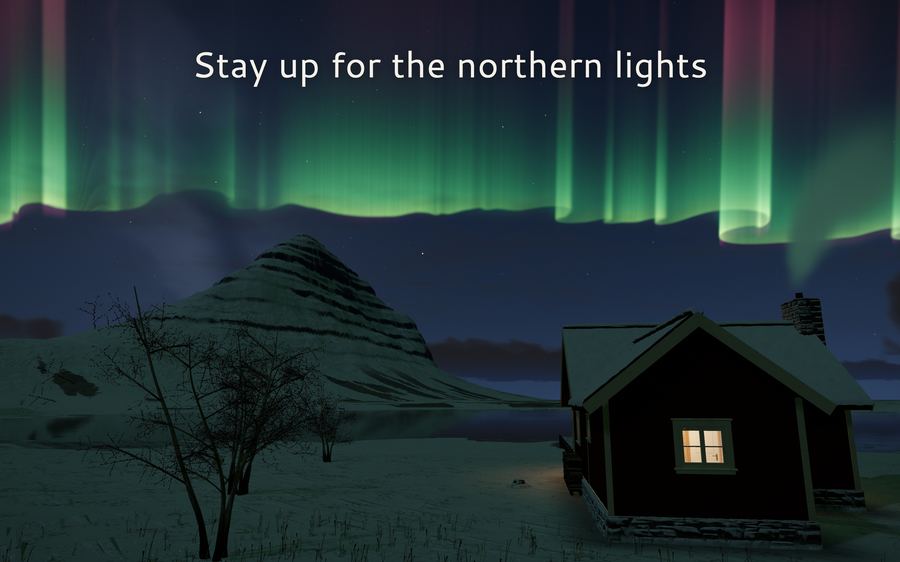
They open as you meet them in the game. Each season lasts a month of game days, then the next one comes. The weather changes on its own when Weather is on "Changes". The northern lights come on clear, dark nights, down to luck. Once you have seen one, you can pick it in Settings whenever you like.
How do I see the northern lights?
Stay up on a clear night in autumn, winter or spring, away from a bright moon. Speeding up time in Settings > Time flows makes the nights come round faster. In midsummer the sky never gets dark enough.
Does my world get saved?
Yes. The game saves where you are, the time and date, the fire, the lamps, the doors and the boat every 30 seconds and whenever you leave the app. If you ever get stuck, Settings > Start at the cottage takes you back to the front door.
Where do my photos go?
Photos from photo mode and the camera on its tripod save to your Photos library on iPhone and iPad, and to your Pictures folder on a Mac. The game only asks to add photos; it never reads your library.
The game runs slowly or my device gets warm
Set Settings > Picture quality to Auto, or choose Low or Performance. Auto already steps down when the device runs hot, and the game draws at 30 frames a second in Low Power Mode.
Can I turn on captions?
Yes. The game follows your device's captions setting. On iPhone and iPad, turn on Settings > Accessibility > Subtitles & Captioning > Closed Captions + SDH. On a Mac, turn on System Settings > Accessibility > Captions > Prefer closed captions and SDH.
Does it need the internet?
No. Everything plays offline, and the game has no accounts, no ads and no in-app purchases.